 deObAI
Deobfuscate locally
Run the deterministic desktop engine to transform JavaScript on your machine.
Analyze and transform JavaScript on your desktop. Inspect the output, explore code patterns, and use AI assistance when you choose.
Desktop processing · Optional AI tools · Android companion
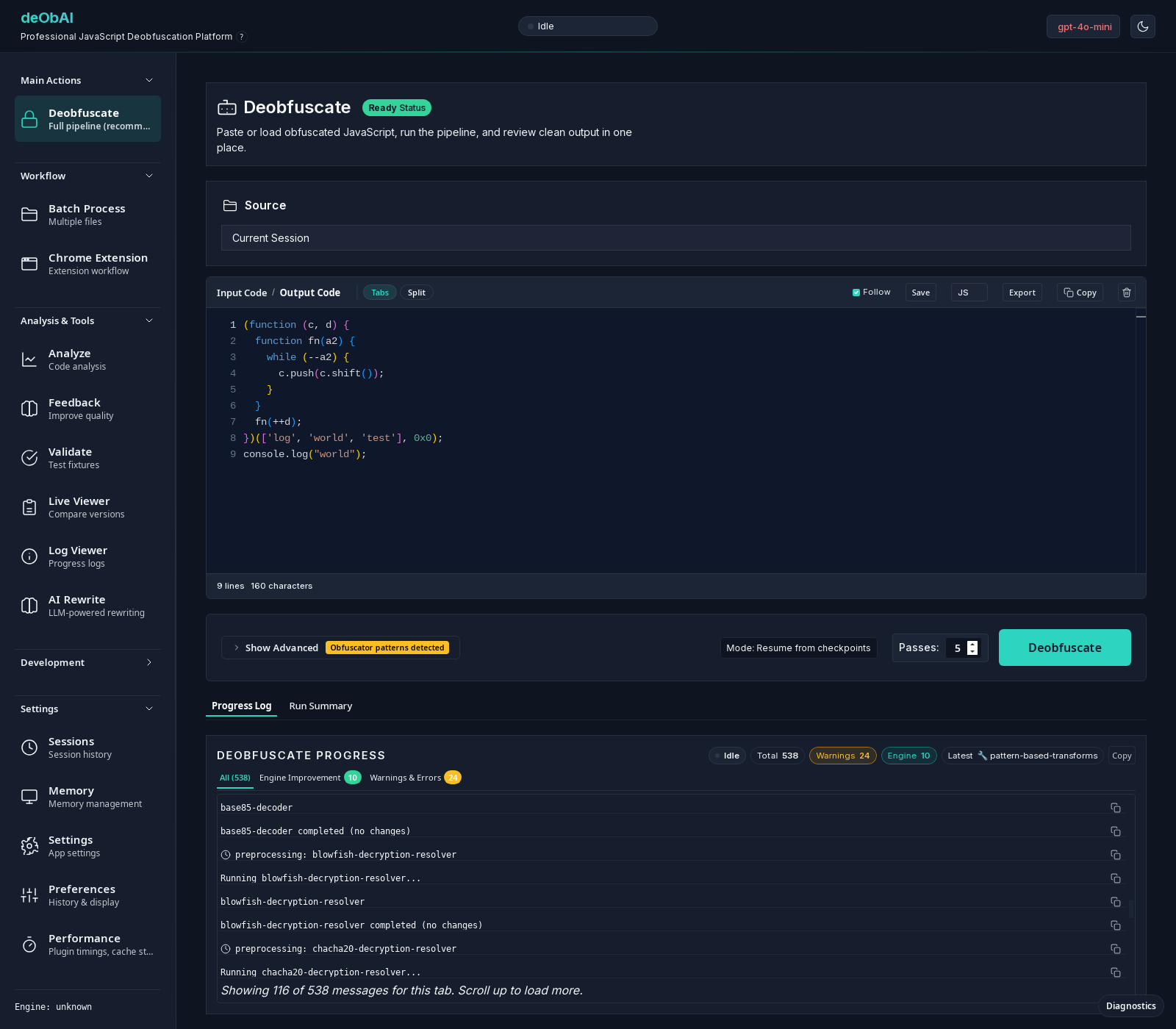
Tools for investigating JavaScript, reviewing transformations, and deciding what to inspect next.
Run the deterministic desktop engine to transform JavaScript on your machine.
Compare versions and review processing results alongside your code.
Investigate code characteristics and patterns to guide your review.
Use supported models for tasks such as naming when you choose to enable them.
Use Quick triage and Safe clean offline, or pair with a desktop for Full processing.
Load and work with Chrome extension files in a dedicated workflow.
Follow processing in the desktop app and inspect the result in the code editor. The Android companion brings a separate workflow for checks on the go.
See availabilityDeobfuscation helps make code easier to inspect. Review the output before relying on it; transformations and inferred names are not a guarantee of behavior or intent.
The deterministic desktop engine runs locally. Android Quick triage and Safe clean run offline; Full mode sends the job to your paired desktop.
Optional remote AI services can receive code when selected. Review the provider’s terms and your configuration before enabling them. Pair the Android companion only on a trusted network.
Desktop and Android release packages are being prepared. Installation instructions and verified download links will appear here when available.
Downloads not yet published